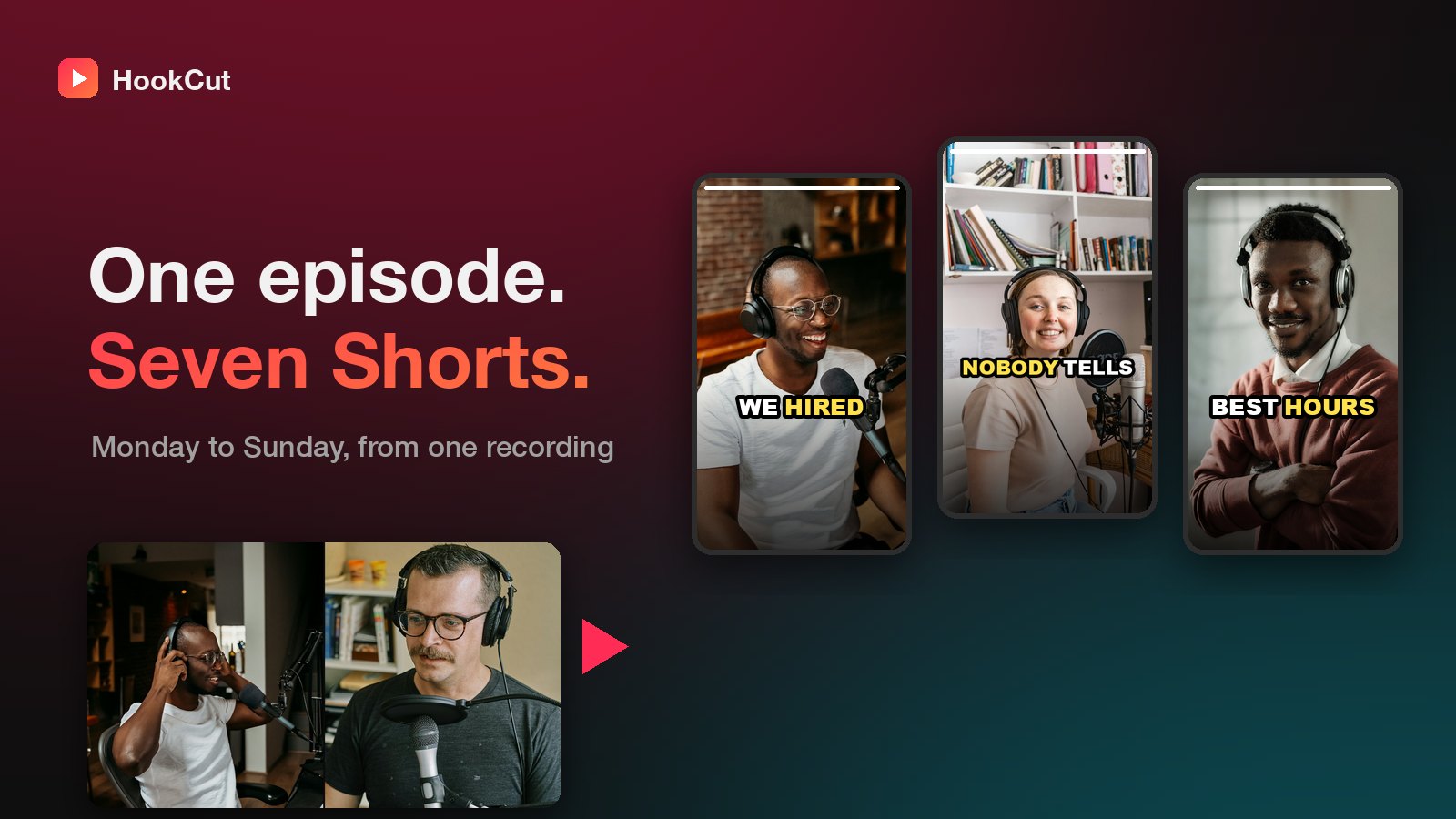
Most podcasters treat Shorts, Reels and TikToks as a second job. Record the episode, then open an editor, scrub through an hour of audio, find a moment, reframe it, caption it, export it, and do it all again six more times. No wonder the clips stop after week two.
The fix is to treat the episode as the raw material and the clips as a batch. You make them all in one sitting, right after you publish, and schedule them across the week.
1. Record with clips in mind
You don't need to change how you talk, but a few habits make clips much easier to cut:
- Keep each speaker on their own camera (or at least clearly in frame). Vertical crops need a face to follow.
- Answer, then explain. "The best hire we made was the one we almost rejected" works as a clip. "So, um, going back to what you said earlier" doesn't.
- Repeat the question when a guest answers something from chat or from earlier. A clip has no context.
2. Let the software find the moments
Scrubbing for highlights is the slow part. In HookCut you upload the episode (or paste a Dropbox or Google Drive link) and it transcribes the whole thing, scores the moments most likely to hold attention, and cuts them for you. You choose how many clips you want (up to your plan's limit per video), and the cost is the same either way: 1 credit per minute of video, not per clip.
3. Reframe to 9:16 around whoever is talking
A 16:9 recording cropped dead-centre usually shows a microphone and half a shoulder. Each clip should follow the person speaking. HookCut does this automatically, so a two-person conversation stays watchable on a phone.
4. Burn in captions
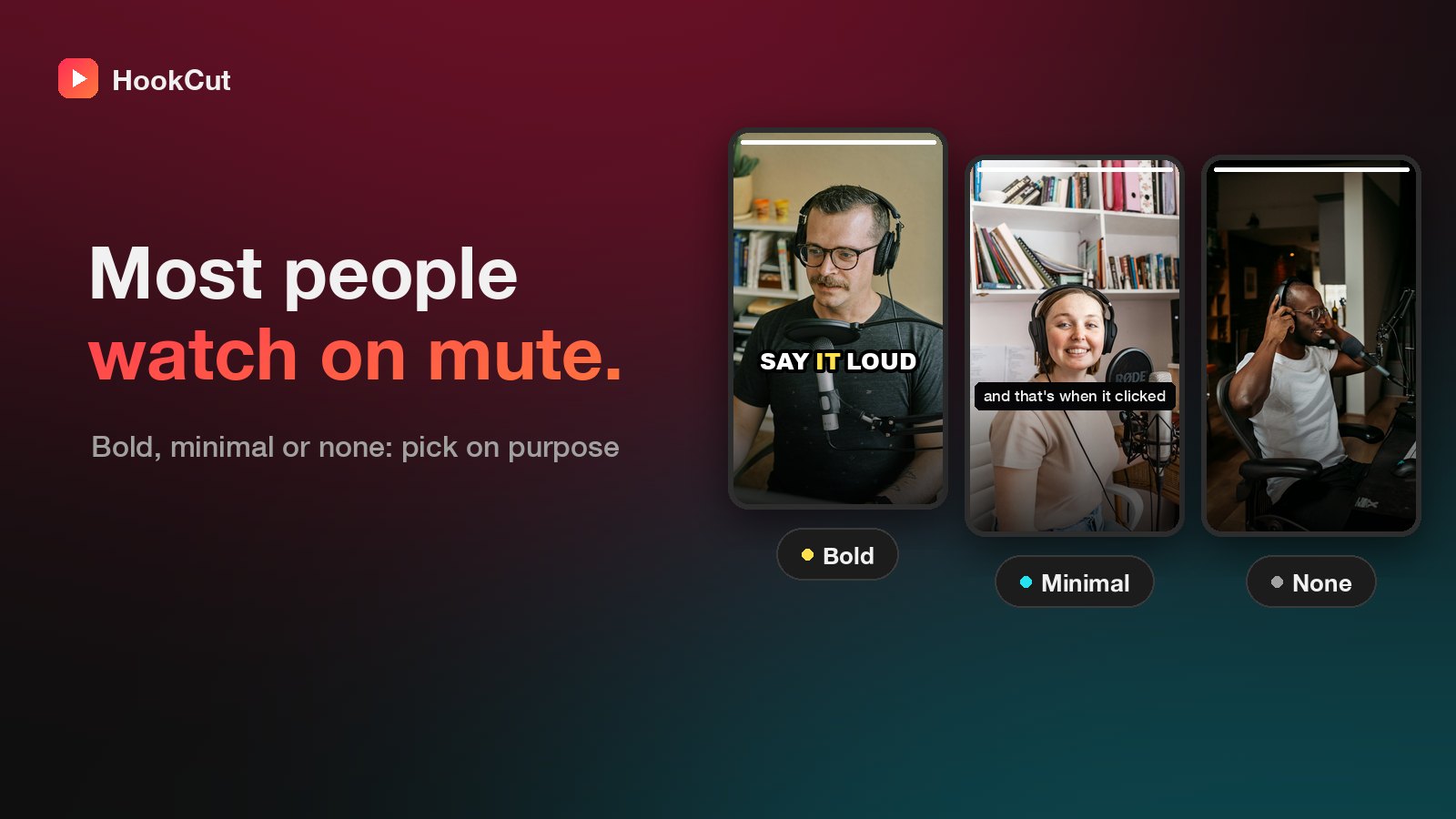
A lot of short video is watched with the sound off, and captions are also what makes a viewer read along instead of scrolling. Pick a caption style that fits your show. We wrote a whole post on choosing one.
5. Schedule the week in one go
Download the clips, write a one-line caption for each, and queue them in your platform's scheduler. Lead with your strongest clip on the day the episode drops and save the second-strongest for midweek, when the episode needs a nudge. Our weekly posting plan has a template.
The short version
- Record with clear, self-contained answers.
- Upload the episode and ask for as many clips as your plan allows.
- Keep the best ones (seven covers a week).
- Schedule one a day, strongest first.
That's an hour of work for a week of posts, and every one of them points people back to the full episode.