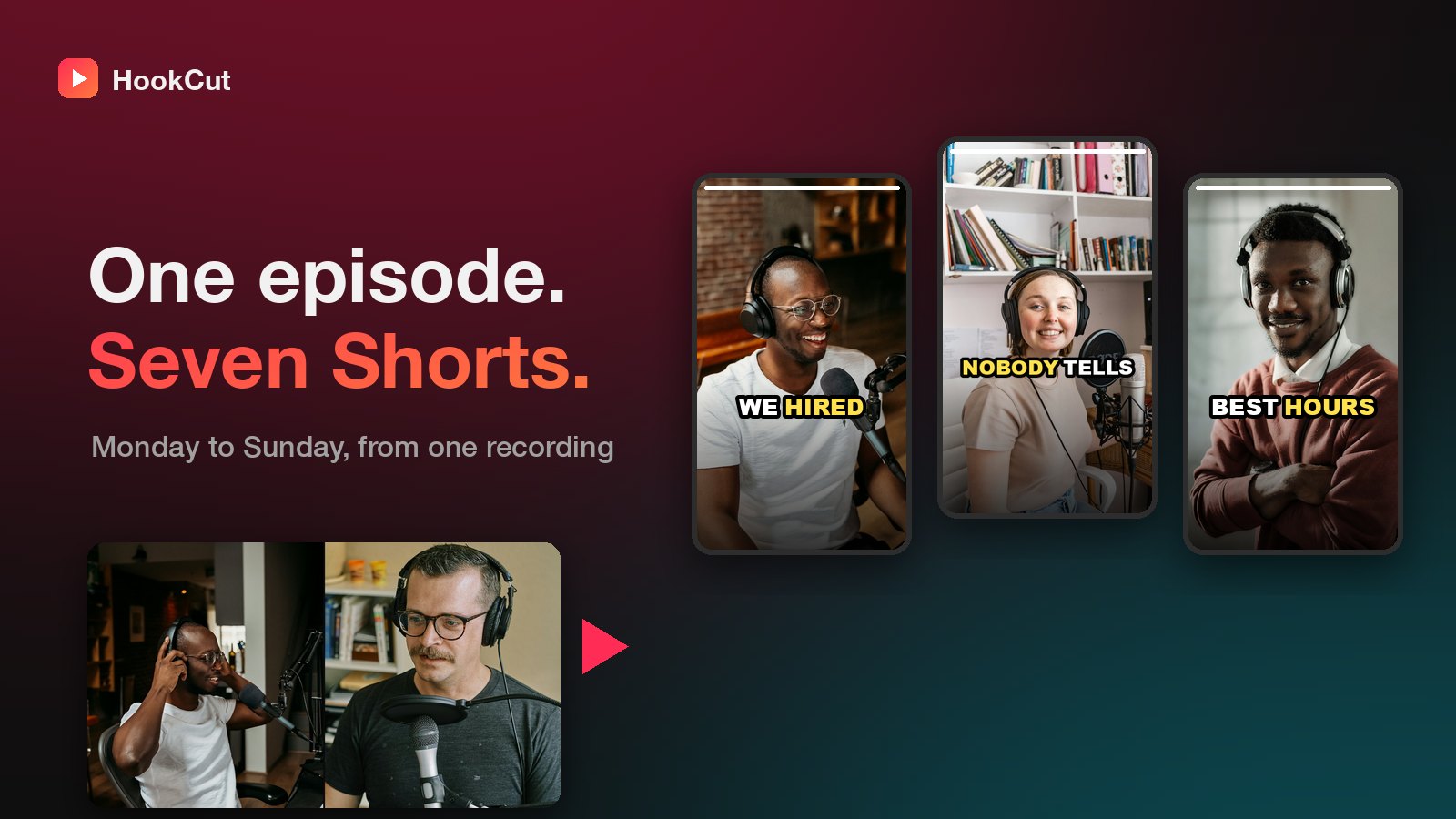
Streams are the hardest content to repurpose. They're long, the good moments are scattered, and the last thing you want after three hours live is to watch three hours again.
You don't have to. You usually already know roughly where the good part was.
Step 1: note the moments while you're live
Keep a notepad open, or ask a moderator to drop a timestamp in chat when something lands: a big play, a funny exchange, a hot take. Even a rough "around the two-hour mark" saves a lot of searching.
Step 2: import the VOD, not the file
If you stream on Twitch, you don't need to download anything. Paste the link to your past broadcast (or a Twitch clip) into HookCut. You confirm it's your stream or that you have the streamer's permission, and it's fetched for you.
Step 3: use only the part that matters
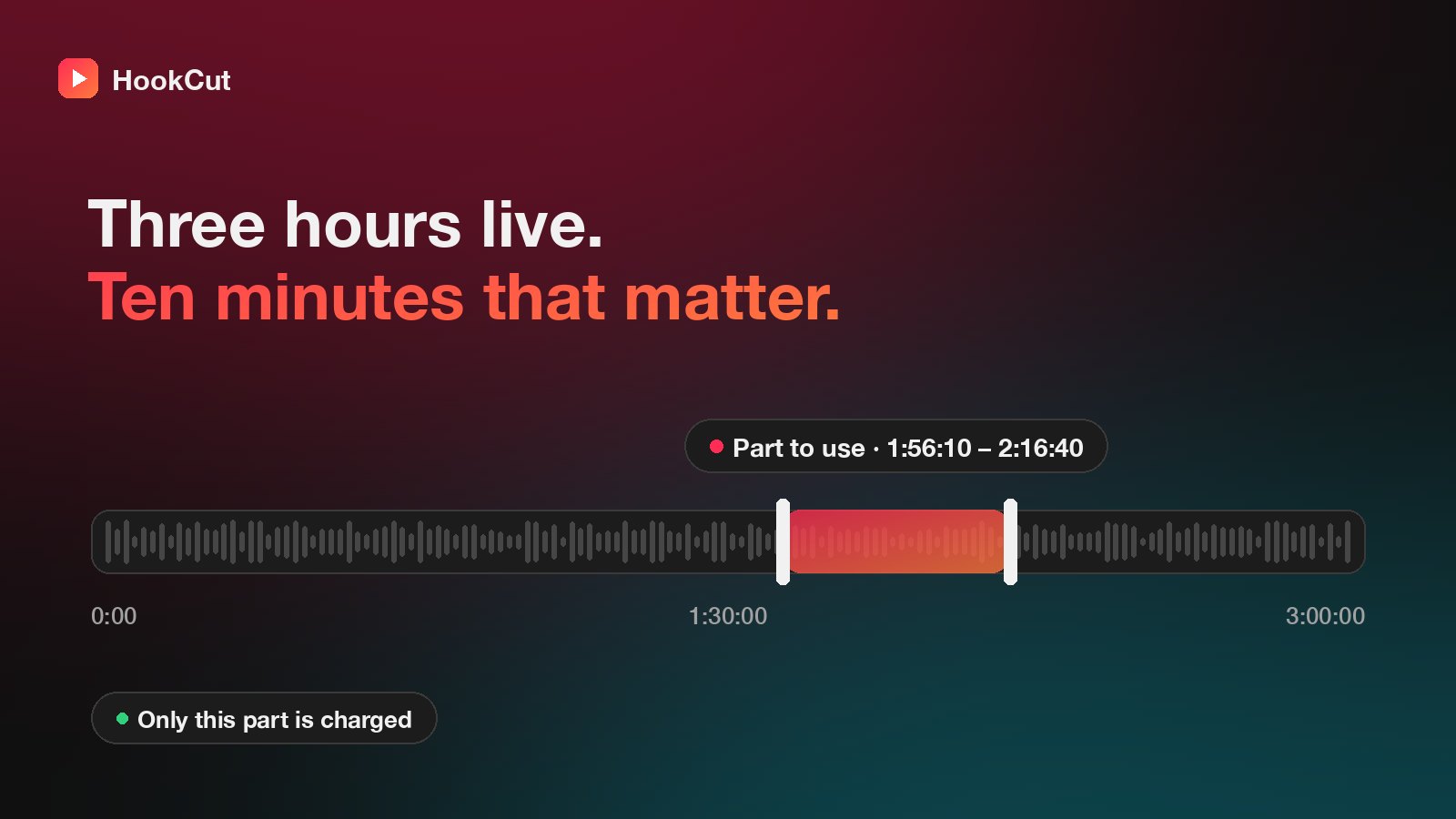
Drag the Part to use handles (or type a start and end time) around the section you noted. Only that part is downloaded, processed and charged. A 20-minute section of a 3-hour stream costs 20 credits, not 180.
Step 4: let it find the clips inside that part
HookCut transcribes the section, picks the moments most likely to hold attention, crops them to vertical around the speaker and adds captions. Gameplay with a facecam works best when you're talking. Silent stretches don't give the transcript much to work with.
Step 5: credit and post
If you're clipping someone else's stream with their permission, the project shows the original creator and a Copy credit button, so tagging them in your caption takes one click.
A routine that sticks
- Stream as usual and note two or three timestamps.
- The next day, import the VOD and pick the best 20–30 minutes.
- Post one clip a day until the next stream.
Your clips keep working while you're offline, and they send people to your next live.